iOS setup
Add the PurchaseKit Swift package to your Hotwire Native iOS app.
Installation
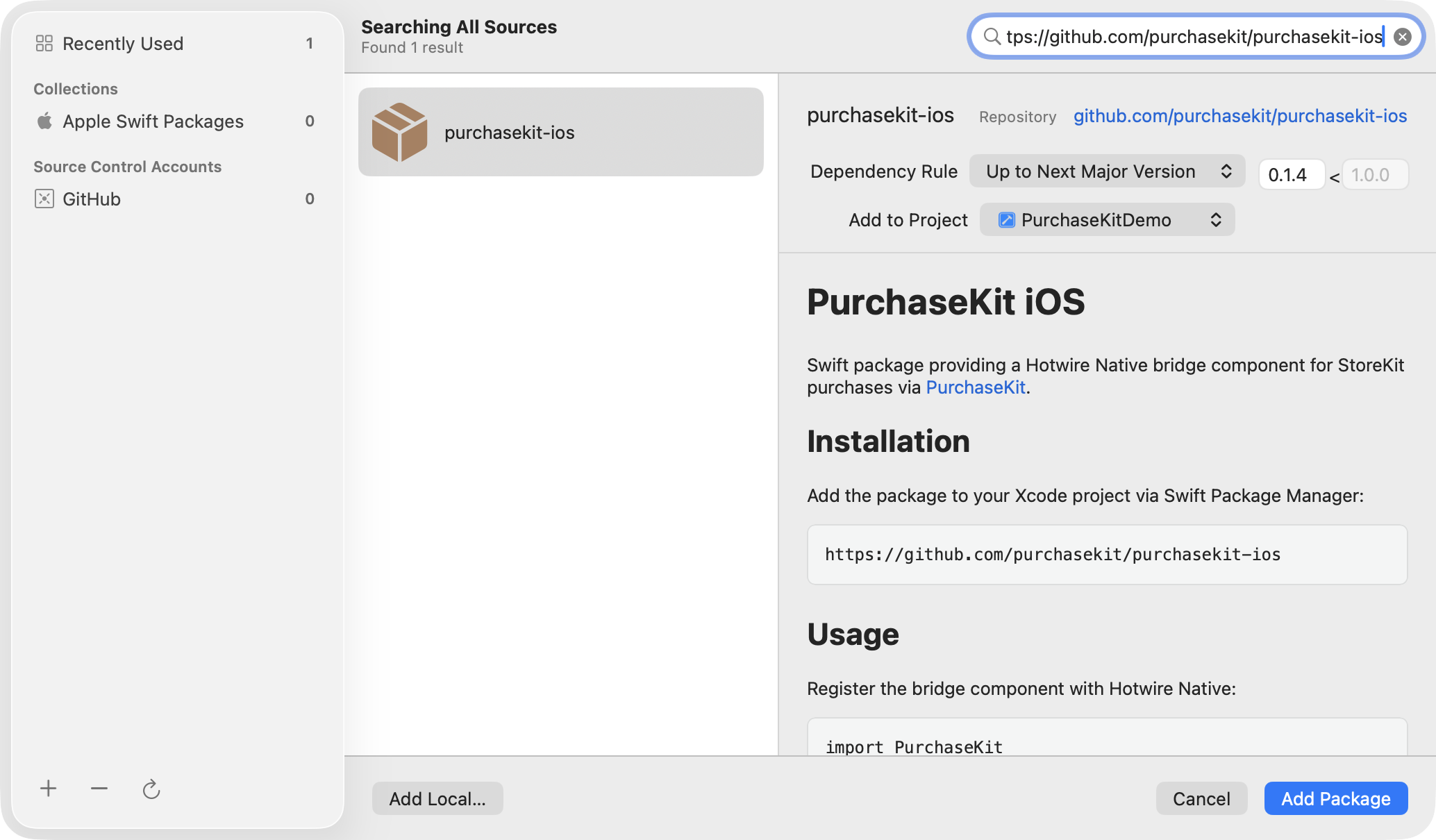
Add the package via Swift Package Manager in Xcode:
- Open your Xcode project
- Go to File → Add Package Dependencies
- Enter the package URL:
https://github.com/purchasekit/purchasekit-ios - Select the latest version and click Add Package
Register the bridge component
In your app's setup code, register the PaywallComponent with Hotwire Native:
import HotwireNative
import PurchaseKit
import UIKit

@main
class AppDelegate: UIResponder, UIApplicationDelegate {
    func application(_ application: UIApplication, didFinishLaunchingWithOptions launchOptions: [UIApplication.LaunchOptionsKey: Any]?) -> Bool {
        Hotwire.registerBridgeComponents([
            PaywallComponent.self
        ])
        return true
    }
}
That's it! The component automatically:
- Listens for price requests from your web paywall
- Handles StoreKit purchases when the user subscribes
- Finishes transactions (fulfillment happens via webhooks)
Environment detection
PurchaseKit automatically detects whether the app is running in sandbox or production:
| Build type | Environment |
|---|---|
| Simulator | sandbox |
| Development build | sandbox |
| TestFlight | sandbox |
| App Store | production |
This ensures sandbox purchases don't accidentally get treated as production (and vice versa).
Requirements
- iOS 16.0+
- Xcode 15.0+
- Hotwire Native iOS 1.2.0+
Next step
Create your subscriptions in App Store Connect.